
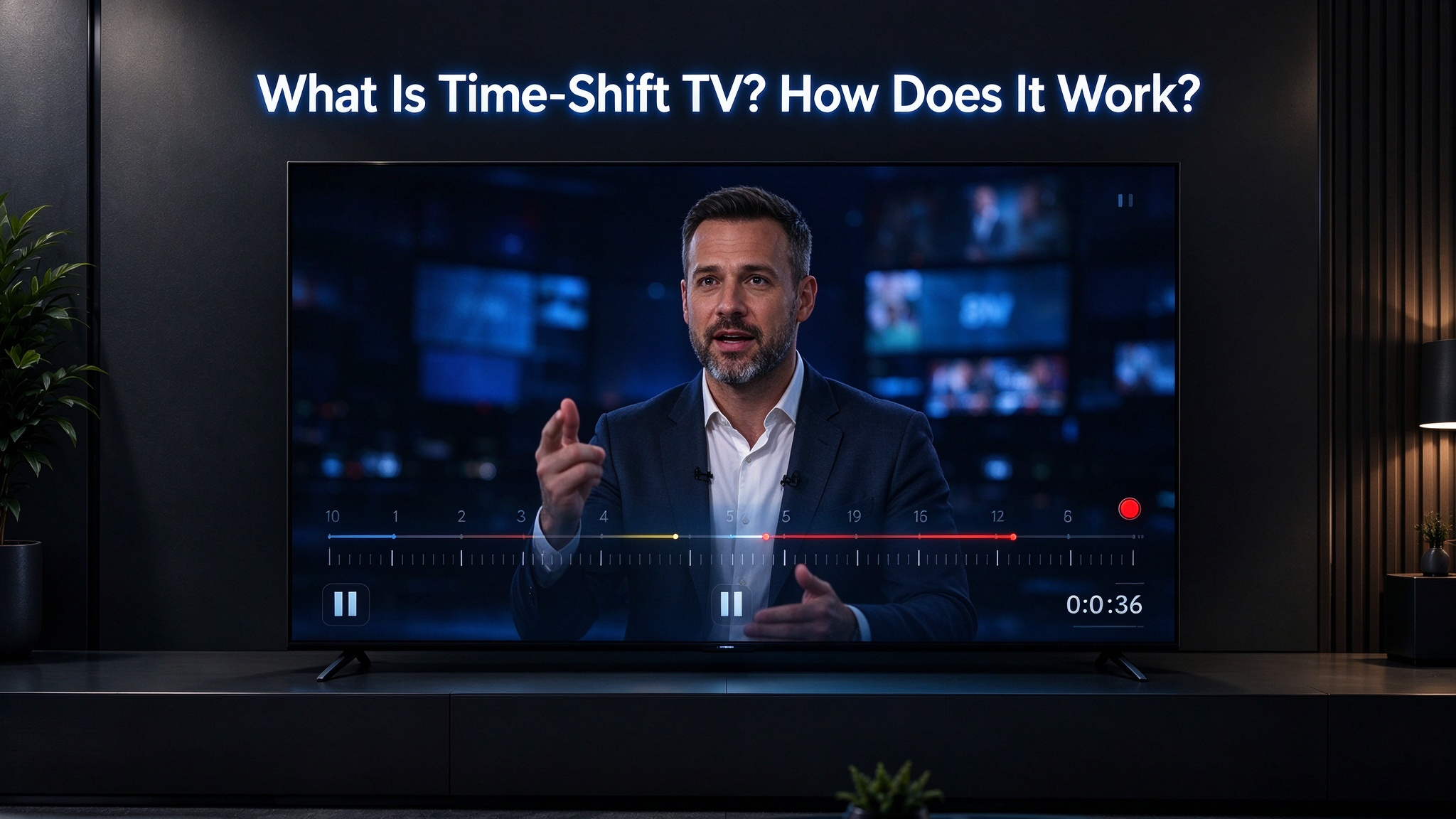
If you have ever started watching live TV and realized you missed something a few minutes earlier, Time-Shift TV can make that situation much easier to handle.
💡 In simple terms:
Time-shift lets you temporarily go back to recent live content without relying on a permanent recording.
1. What Is Time-Shift TV?
Time-shift TV is a feature that allows you to temporarily go back to content that has already been playing.
For example, imagine you are watching a live program and step away for a few minutes. When you return, you may be able to rewind to see what you missed, then continue watching from there.
Unlike traditional DVR recording, time-shift is designed around recent live content rather than keeping a permanent recording of an entire program.
2. How Does Time-Shift Work?
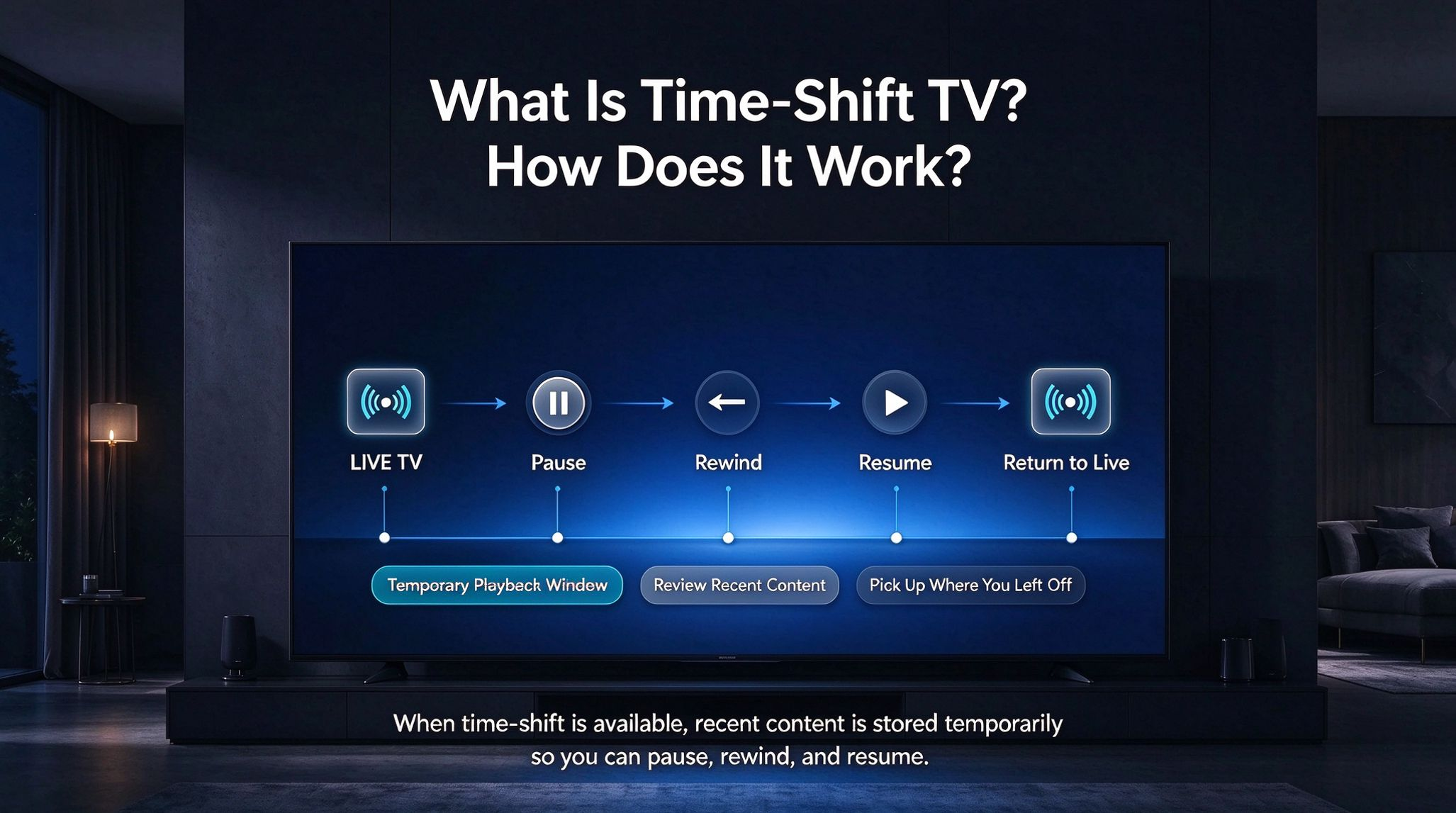
The basic process is simple:
LIVE TV
↓ Pause
⏸
↓ Rewind
↩
↓ Resume
▶
When time-shift is available, the device or supported service maintains a temporary playback window of recent content.
You can then:
Pause live content when you need a break
Rewind to review something you just missed
Resume playback from where you paused
Return to live when you are ready
3. How Long Can You Rewind?
The available time-shift window depends on the device and supported service.
For example, the vSeeBox Elite Ultra lists a 1-hour time-shift feature, allowing supported live content to be rewound within that time window.
This can be useful when you miss part of a live program but do not want to wait for a replay.
Time-shift is mainly about giving you more control over live viewing, while DVR recording is designed to save programs for later viewing.
4. Time-Shift vs. Traditional Recording
Time-shift and DVR recording are related, but they are not the same thing.
| Feature | Time-Shift TV | Traditional DVR |
| Pause live TV | Yes | Yes |
| Rewind recent content | Yes | Yes |
| Designed for recent playback | Yes | Not necessarily |
| Permanent recording | Generally no | Yes |
| Long-term storage | No | Yes |
Time-shift is mainly about giving you more control over live viewing, while DVR recording is designed to save programs for later viewing.
5. Which vSeeBox Supports Time-Shift?
On the current vSeeBox product information, Elite Ultra specifically lists a 1-hour time-shift feature through its supported Live Ultra functionality. It also lists parental controls, automatic OTA updates, and other built-in features.
Because time-shift depends on the supported service and content, availability and controls may vary depending on what you are watching.
6. Is Time-Shift the Same as Watching a Recorded Video?
No.
With a normal recorded video, you are watching content that was saved for later playback.
With time-shift, you are working within a recent live playback window. You can move backward and forward within the available window, then return to the live position.
This makes time-shift especially useful for people who primarily watch live content but still want some flexibility.
PS:save on your vSeeBox purchase with code BLACKGAOBEST at checkout