
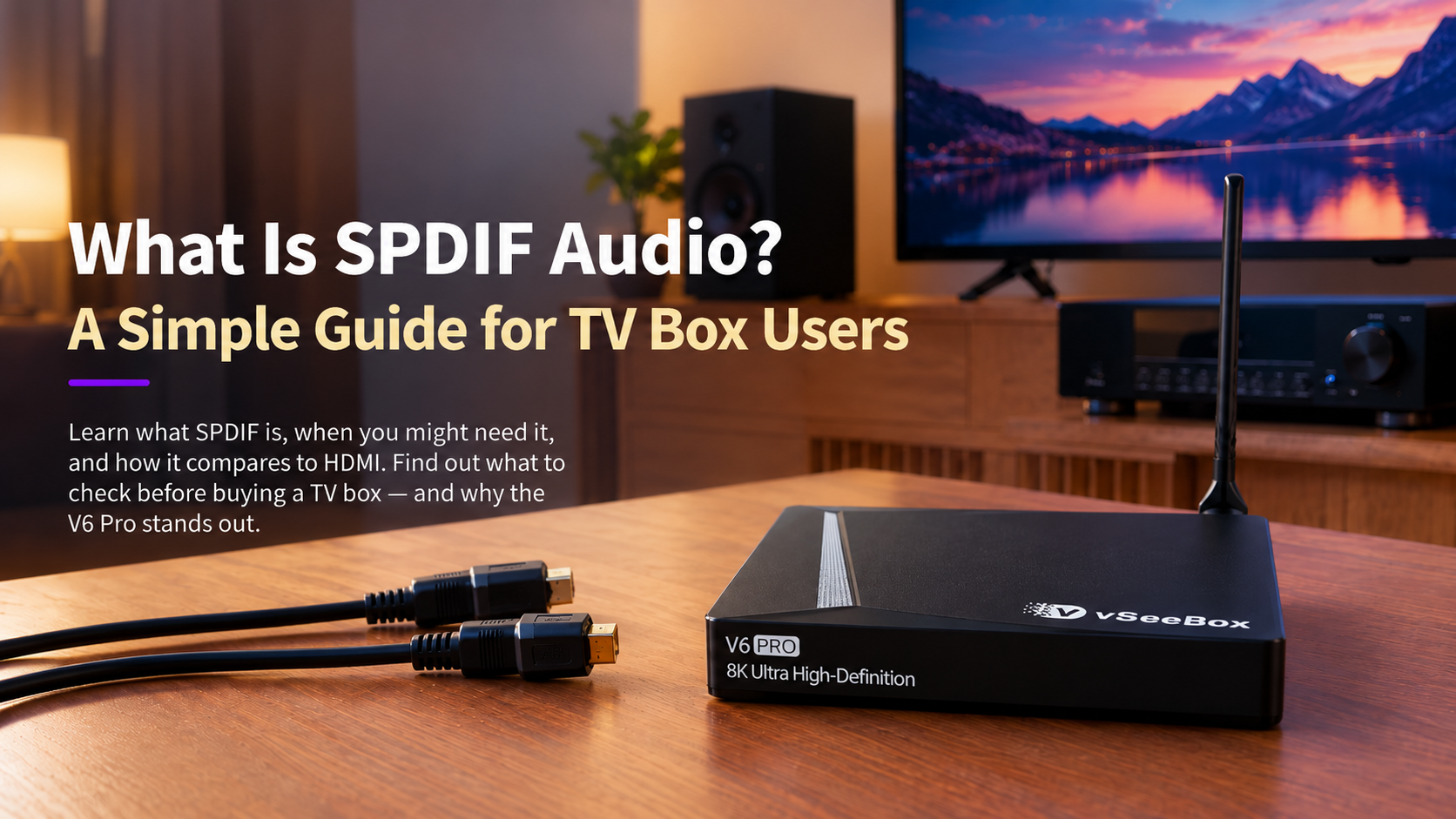
When shopping for a TV box, most people focus on picture quality, storage capacity, and performance. However, if you use an external sound system, the method of audio connection is also worth considering. Within the current V6 series, only the V6 Pro supports this feature.
1. What Is SPDIF?
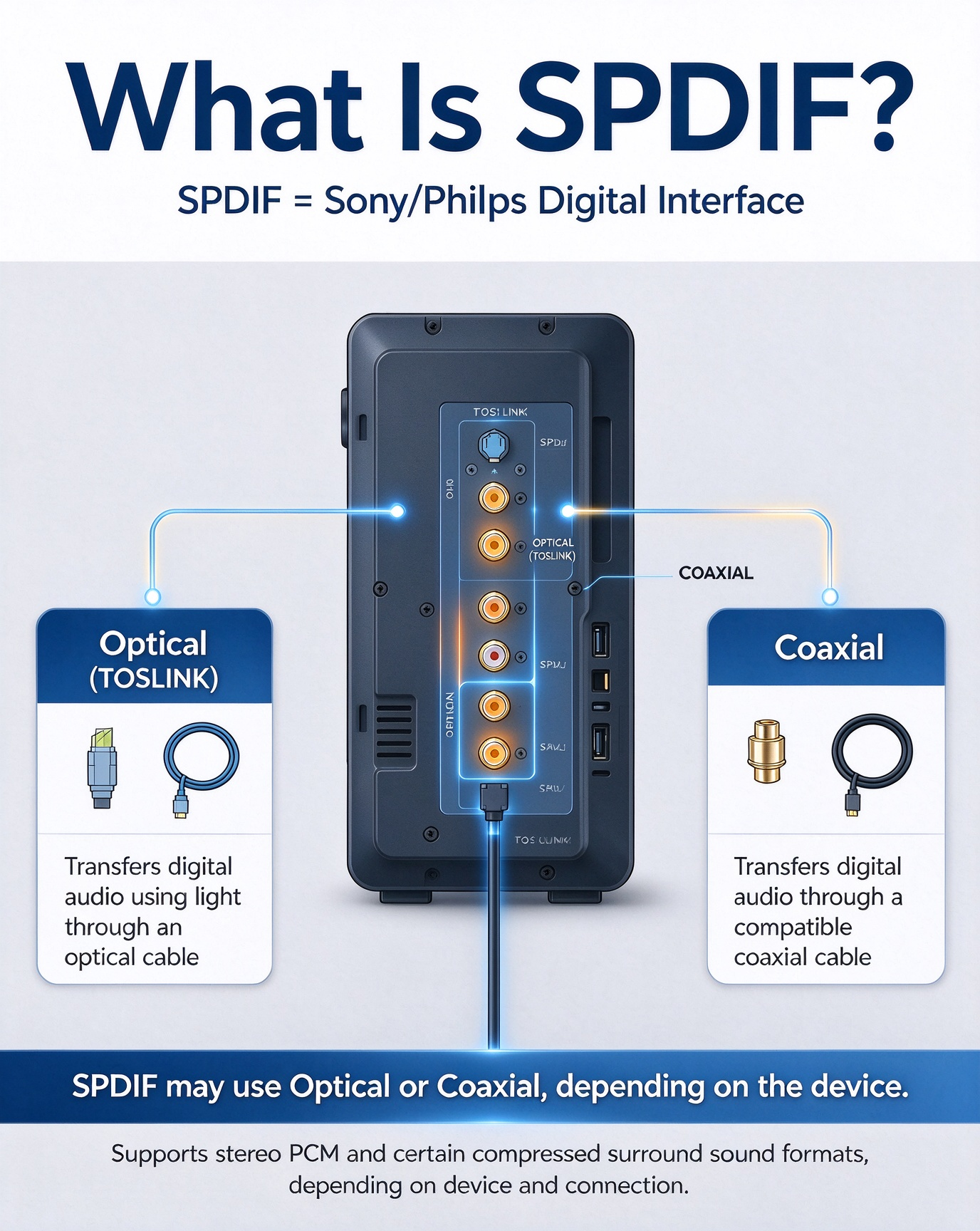
SPDIF stands for Sony/Philips Digital Interface. It is a digital audio connection standard used to transfer audio signals between compatible devices, such as media players, TVs, AV receivers, and sound systems.
Unlike traditional analog audio connections, SPDIF transmits digital audio. Depending on the connection type and the devices involved, it can support stereo PCM audio and certain compressed surround-sound formats.
SPDIF commonly uses one of two connection types:
Optical (TOSLINK): Transfers digital audio using light through an optical cable.
Coaxial: Transfers digital audio through a compatible coaxial cable.
Both transmit digital audio, but they require different ports and cables.
2. When Would You Use SPDIF?
SPDIF can be useful if you want to connect a TV box to a compatible AV receiver or home theater system.
For example, you can connect your TV box to your TV through HDMI and use SPDIF to send audio to a compatible receiver. However, simultaneous audio output depends on the device and its settings.
If your TV speakers or HDMI-connected sound system already meet your needs, you may not need SPDIF.
3. SPDIF vs HDMI: What's the Difference?
SPDIF and HDMI can both carry digital audio, but they serve different purposes.
- SPDIF is primarily an audio connection. It can be useful for compatible receivers and sound systems with optical or coaxial inputs.
- HDMI carries both video and audio, making it the standard connection for linking a TV box to a television. HDMI can also support advanced audio formats and features that are not available through every SPDIF connection.
The right option depends on your equipment:
- Choose HDMI when you want to connect your TV box to your TV for both picture and sound.
- Consider SPDIF when your audio system has a compatible digital audio input and your setup benefits from a separate audio connection.
Check supported audio formats if you use surround sound or an AV receiver.
4. What Should You Check Before Buying a TV Box?
If audio connectivity matters to your setup, check these details before choosing a device.
Available audio ports: Confirm whether the TV box has the specific output your sound system requires.
Audio system compatibility: Check which inputs and audio formats your receiver or soundbar supports.
Connection requirements: Make sure you have the correct cables and that your intended setup is supported.
A little planning can help you avoid buying extra adapters or discovering that your devices cannot connect in the way you expected.
PS:save on your vSeeBox purchase with code GOODLUCKat checkout
Frequently Asked Questions
Question:Can I use SPDIF and HDMI at the same time?
Some TV boxes support both connections simultaneously, but simultaneous audio output is not guaranteed. Check your device's specifications and settings.
Question:Does SPDIF support surround sound?
It supports certain surround-sound formats, depending on the equipment and connection.