
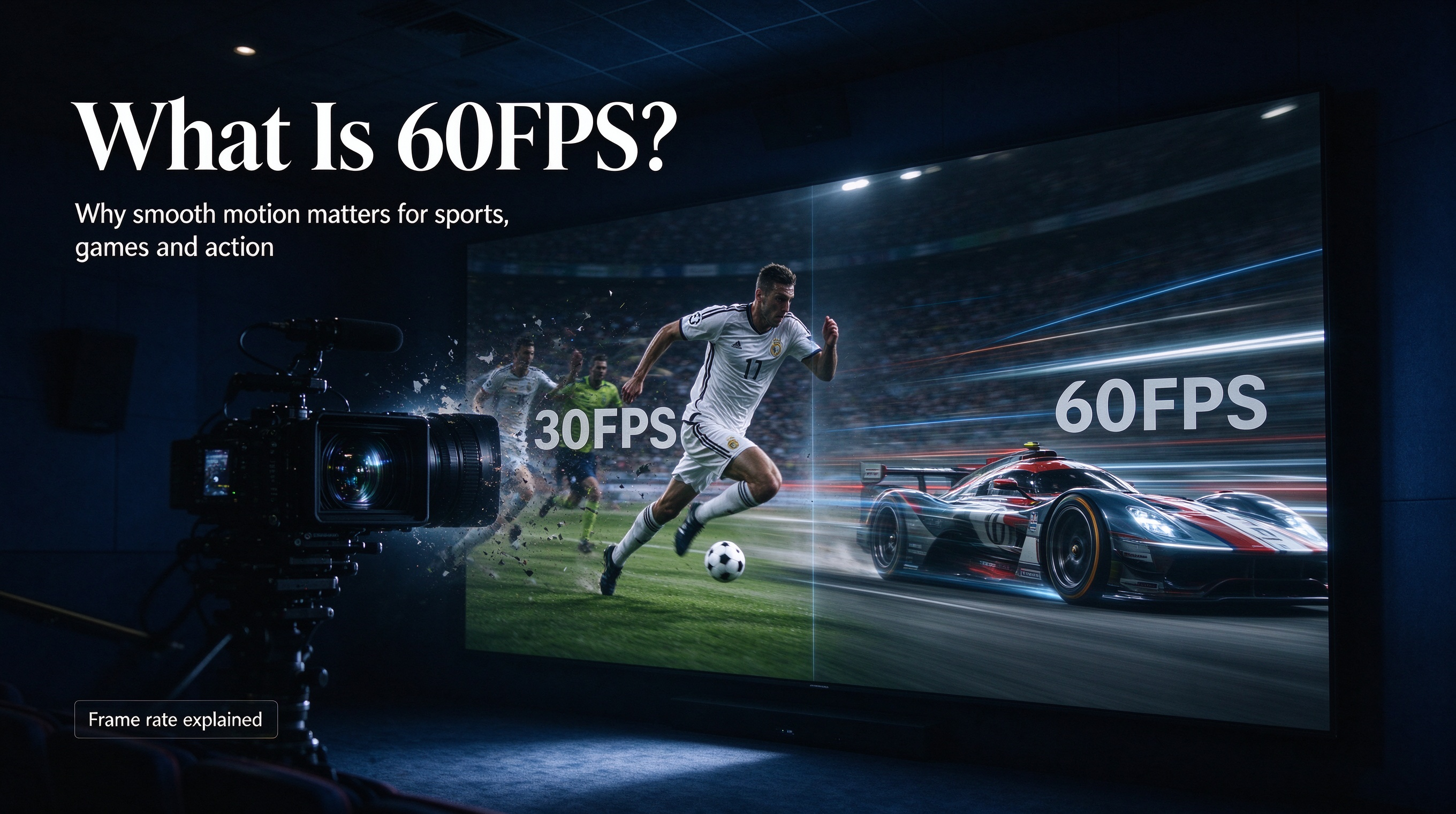
If you’ve ever shopped for a TV, streaming box, gaming console or video player, you’ve probably seen the term “60FPS” thrown around in product descriptions. Alongside 4K, 8K, HDR and Dolby Vision, frame rate has become one of the most talked-about specs for home entertainment. But what exactly is 60FPS? And is the upgrade from the standard 30FPS really noticeable for regular viewers?
What does FPS mean?
FPS stands for **Frames Per Second**. Video is essentially a sequence of still images, or frames, displayed rapidly one after another. Your brain blends these static pictures together to create the illusion of smooth, moving footage. The FPS number tells you how many unique images get shown every single second.
- 24FPS: The classic standard for movies and most films.
- 30FPS: Traditional broadcast standard for many TV shows, news and older streaming videos.
- 60FPS: Displays 60 separate frames every second, double the amount of 30FPS content.
Higher frame rates mean more snapshots captured within the same time period. More frames equal smoother motion, especially for fast-moving action.
What’s the difference between 30FPS and 60FPS?
The gap is most obvious when there is rapid movement on screen.
At 30FPS, fast scenes such as sports, racing or action sequences can look slightly blurry or jittery. Panning shots may feel choppy, and quick camera movements leave motion blur that can be distracting.
At 60FPS, motion becomes much cleaner and more lifelike. Fast-moving objects have less blur, pans across the screen are silky smooth, and the whole picture feels more responsive. This is why live sports, racing streams and gaming are commonly produced or broadcast in 60FPS.
That said, the difference is far less dramatic for slow content. For dialogue-heavy dramas, documentaries or static interviews, many people struggle to tell 30FPS and 60FPS apart. Since there is little fast movement, the extra frames do not create an obvious visual improvement.
.png?w=2048&h=1152)
When does 60FPS shine?
60FPS brings the biggest upgrade in these scenarios:
1. **Live sports**: Football, basketball, motor racing, tennis and combat sports. Quick passes, ball movement and athlete reactions look clearer.
2. **Video games**: 60FPS gameplay feels more responsive and reduces input lag.
3. **Fast-paced action videos**: Car chases, drone footage, first-person action clips.
4. **Live news with moving cameras**: Rapid camera pans stay stable and sharp.
For cinematic movies, most creators stick with 24FPS intentionally. The slightly softer motion creates that classic “movie look.” Many viewers even find 60FPS films unnatural, often called the “soap opera effect,” where big-budget movies appear to look like daytime TV dramas.
What hardware do you need to watch 60FPS properly?
A common misunderstanding: just because your streaming device says it supports 60FPS does not automatically mean everything you watch will play at 60 frames. Three things must work together:
1. **Source content**: The video file or stream itself has to be recorded and encoded at 60FPS. If the original video is 30FPS, your device cannot magically turn it into true 60FPS.
2. **Playback device**: Your TV box or media player must support 60FPS decoding and output.
3. **Display**: Your TV must have a refresh rate of at least 60Hz. A 60Hz screen can refresh the image 60 times per second to match the frame rate.
If one part of this chain is missing, you will still watch the video, but it will be limited to a lower frame rate.
Does 60FPS use more internet and storage?
Yes, usually. More frames mean more image data. A 60FPS video file or stream will have roughly twice as much visual information compared with the same resolution at 30FPS.
That translates to higher bandwidth requirements for online streaming and larger file sizes for local downloaded videos. If your home internet connection is weak, trying to stream high-resolution 60FPS content may cause buffering or dropouts.
Final thoughts: Is 60FPS worth it?
Whether 60FPS matters depends entirely on what you watch.
If you love live sports, racing, action streams or play video games on your TV, 60FPS absolutely makes a visible difference and is well worth seeking out. The smoother motion creates a more immersive viewing experience.
If you mostly watch movies, slow dramas and documentaries, 60FPS offers little benefit. You may even dislike the unnatural soap-opera style look it creates for film content.
60FPS is not a universal upgrade that makes every video better. It is a tool, designed to handle fast-moving scenes. When shopping for a TV or media player, consider your viewing habits before prioritizing 60FPS support over other features such as resolution, color accuracy or decoding capability.