
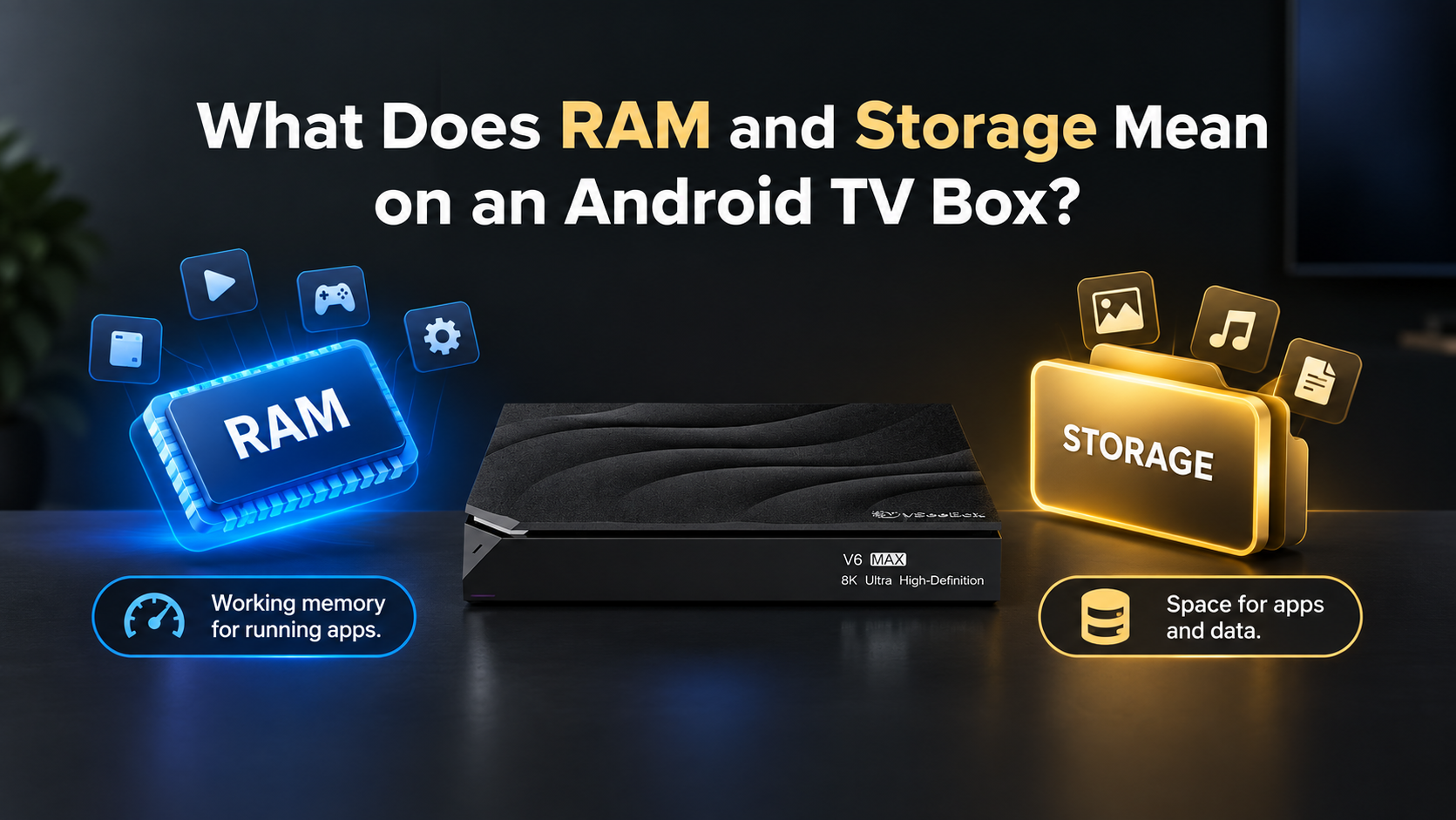
When choosing an Android TV box, you may see specifications like 4GB RAM, 32GB, 64GB, or 128GB storage. But what do these numbers mean?
1. What Is RAM?
RAM is the temporary memory your TV box uses when running apps and tasks.
More RAM can help the device handle multiple tasks more efficiently.
Simply put:
RAM = working memory for running apps.
2. What Is Storage?
Storage is the space used to store apps, files, and other data.
For example, 128GB provides more storage space than 64GB.
Simply put:
Storage = space for apps and data.
3. RAM vs Storage
| RAM | Storage |
|---|---|
| Runs active apps and tasks | Stores apps and data |
| Temporary memory | Long-term storage |
| Example: 4GB | Example: 32GB / 64GB / 128GB |
Think of it simply: RAM is your workspace, while storage is your storage space.
4. How Much Do You Need?
For everyday streaming and normal app use, 4GB RAM can be enough for many users.
For storage, your choice depends on how many apps and files you want to keep:
- 32GB — Basic use
- 64GB — More apps and space
- 128GB — More storage flexibility
Some models, such as the Elite Ultra, also support up to 2TB of USB storage.
Summarize
RAM affects how your TV box handles active tasks, while storage determines how much space you have for apps and data. Knowing the difference makes it easier to choose the right vSeeBox for your needs
Frequently Asked Questions
Question:Is 128GB better than 64GB?
Answer:128GB provides more storage space for apps and data, but you may not need it if you only use a few apps.
Question:Does more storage make a TV box faster?
Answer:Not by itself. Storage capacity and processing performance are different things.
Question:Can I add more storage to a vSeeBox?
Answer:Some models support external USB storage. For example, the Elite Ultra supports up to 2TB of USB storage.