

If you’re considering purchasing a vSeeBox Android TV box, one of the most common questions you might have is: Is Netflix free on vSeeBox? The short answer is no, Netflix is not free on vSeeBox—but there’s more to the story. In this guide, we’ll explain why Netflix requires a separate subscription, how vSeeBox enhances your Netflix experience, and what free alternatives are available.
Why Netflix Isn’t Free on vSeeBox
Netflix is a premium streaming service that requires a paid subscription to access its content. While vSeeBox provides the hardware and platform to run streaming apps like Netflix, it does not include free access to Netflix itself. Here’s why:
-
Subscription Model: Netflix operates on a monthly subscription basis (ranging from $6.99 to $22.99/month in the US).
-
Content Licensing: Netflix pays licensing fees to studios and creators, which is funded by user subscriptions.
-
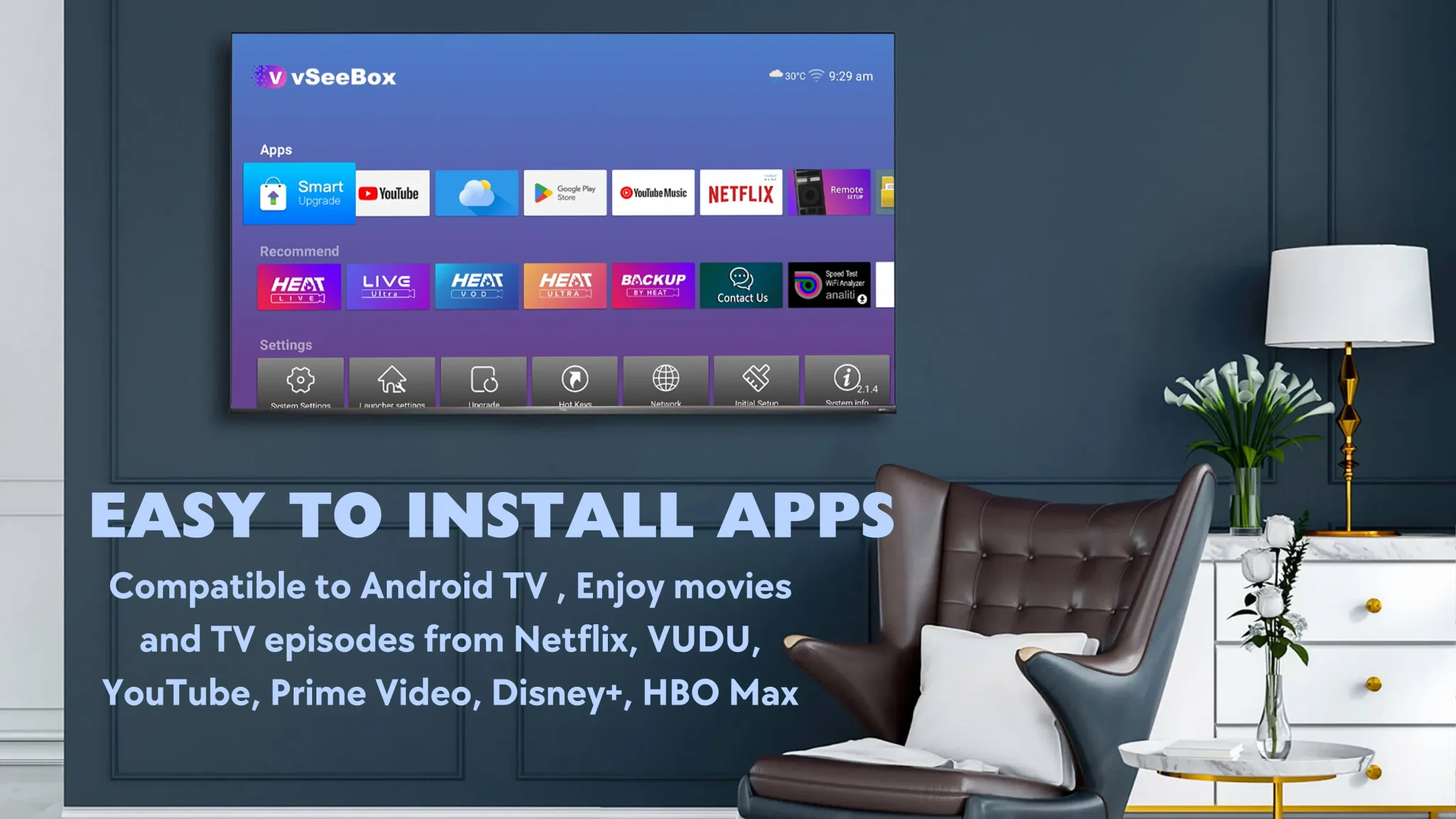
Device Compatibility: vSeeBox is certified to run the official Netflix app, but you still need to log in with a paid account.
How to Use Netflix on vSeeBox
While Netflix isn’t free, vSeeBox offers a seamless experience for Netflix subscribers:
-
Download the Netflix App: Access the Google Play Store on your vSeeBox and install Netflix.
-
Log In or Sign Up: Use your existing Netflix account or create a new one.
-
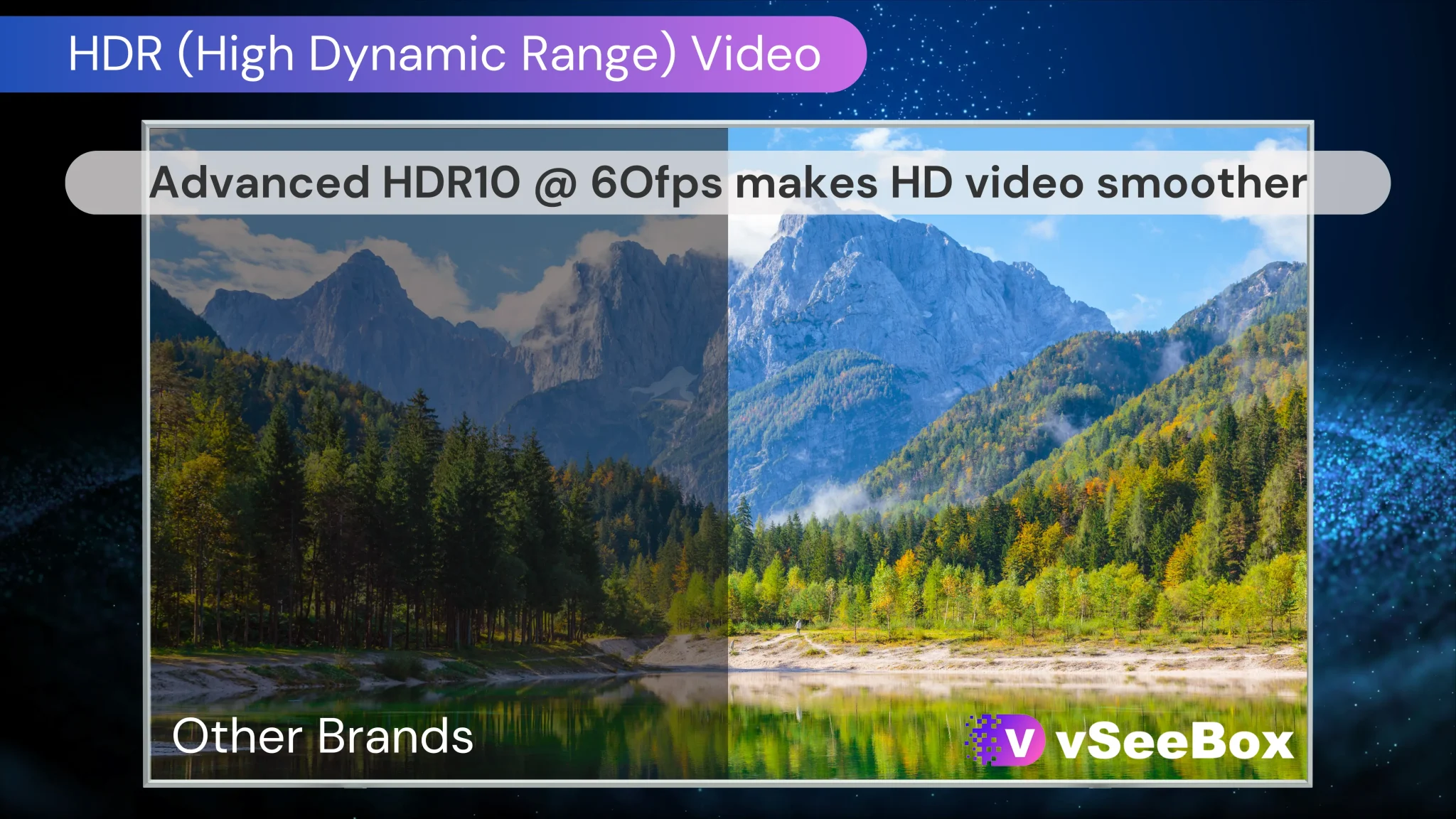
Enjoy Enhanced Streaming: vSeeBox supports 4K HDR playback and smooth performance for buffer-free Netflix viewing.
What Is Free on vSeeBox?
Although Netflix isn’t free, vSeeBox provides access to thousands of free content options:
-
Free Live TV Channels: Access 2,000+ live channels (news, sports, entertainment) without subscriptions.
-
Free VOD Library: Stream 50,000+ movies and shows from built-in apps.
-
Apps with Free Content: Use free ad-supported apps like YouTube, Pluto TV, or Tubi.
-
No Hidden Fees: vSeeBox itself requires no monthly payments—just a one-time device purchase.
Why vSeeBox Is Still Worth It for Netflix Users
Even though Netflix isn’t free, vSeeBox enhances your Netflix experience:
-
4K/8K Support: Watch Netflix in ultra-high definition (on supported plans).
-
Smooth Performance: vSeeBox’s 4GB RAM and quad-core processor eliminate lag.
-
All-in-One Hub: Use Netflix alongside free content, games, and other apps.
How to Get the Most from Your vSeeBox
-
Combine Free & Paid Services: Use Netflix for premium content and free vSeeBox apps for everything else.
-
Explore Free Alternatives: Try free apps like Crackle or Peacock for additional content.
-
Optimize Your Setup: Use a high-speed internet connection for the best Netflix streaming quality.
The Bottom Line
Netflix is not free on vSeeBox, but vSeeBox remains an excellent choice for streaming enthusiasts. It delivers a premium Netflix experience with 4K support and fast performance, while also offering thousands of free live TV channels and on-demand titles.
Ready to maximize your streaming?
Get vSeeBox today and enjoy Netflix + free content in one place!